Back up and restore
Olares Space is the official solution to back up snapshots for your Olares instances. You can restore an Olares to its most recent state whenever needed. This section provides instructions for managing backups and restores in Olares Space.
View backup list
The backup task list shows information for each backup task, including:
- Initial creation time
- Most recent snapshot time
- Overall storage usage
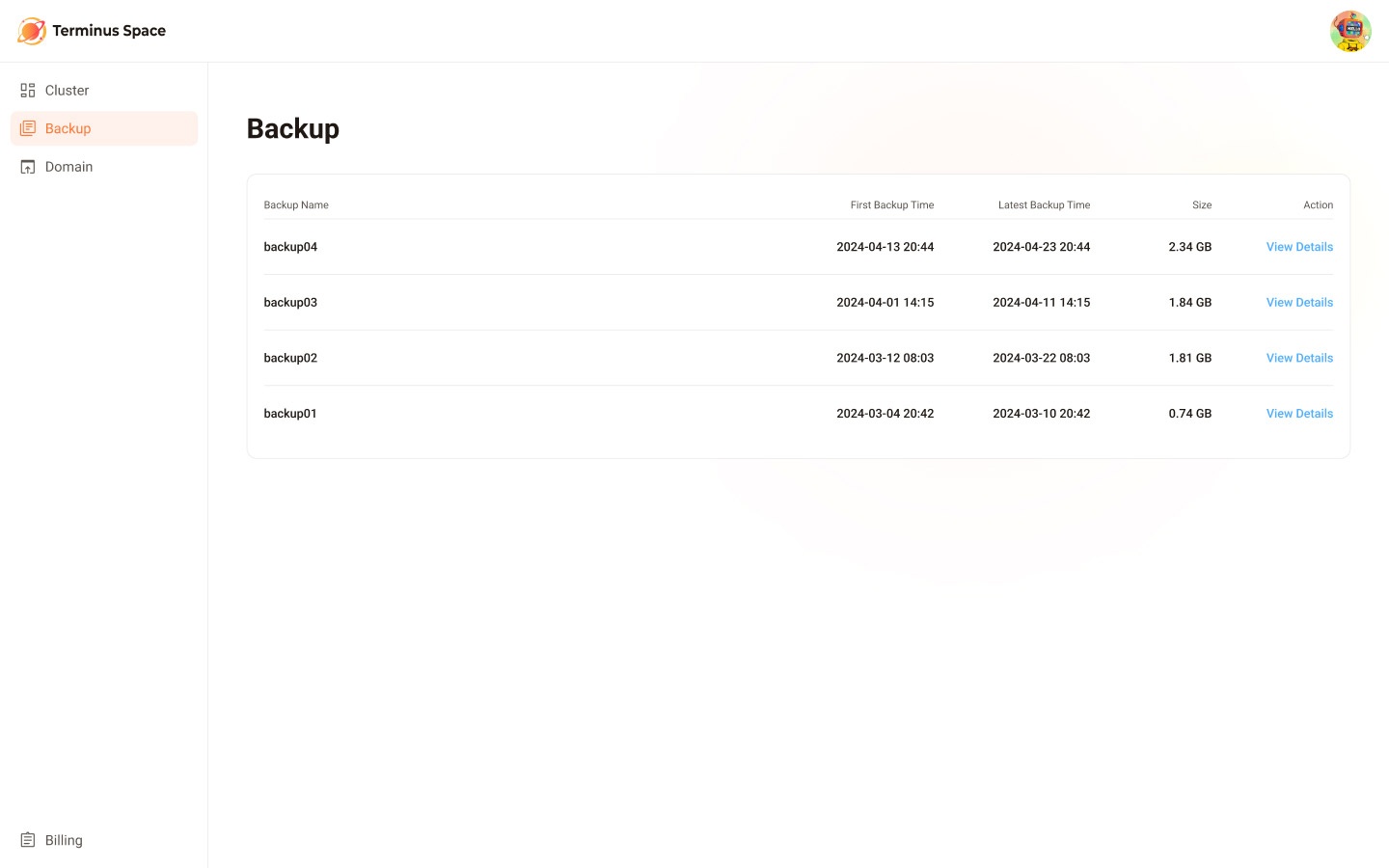
Click View Details on a task to see its detail page. The detail page shows the storage usage since the task was created and a list of all successful snapshots.
NOTE
Currently, only restoring from the most recent snapshot is supported.
Restore backup to the Olares Space
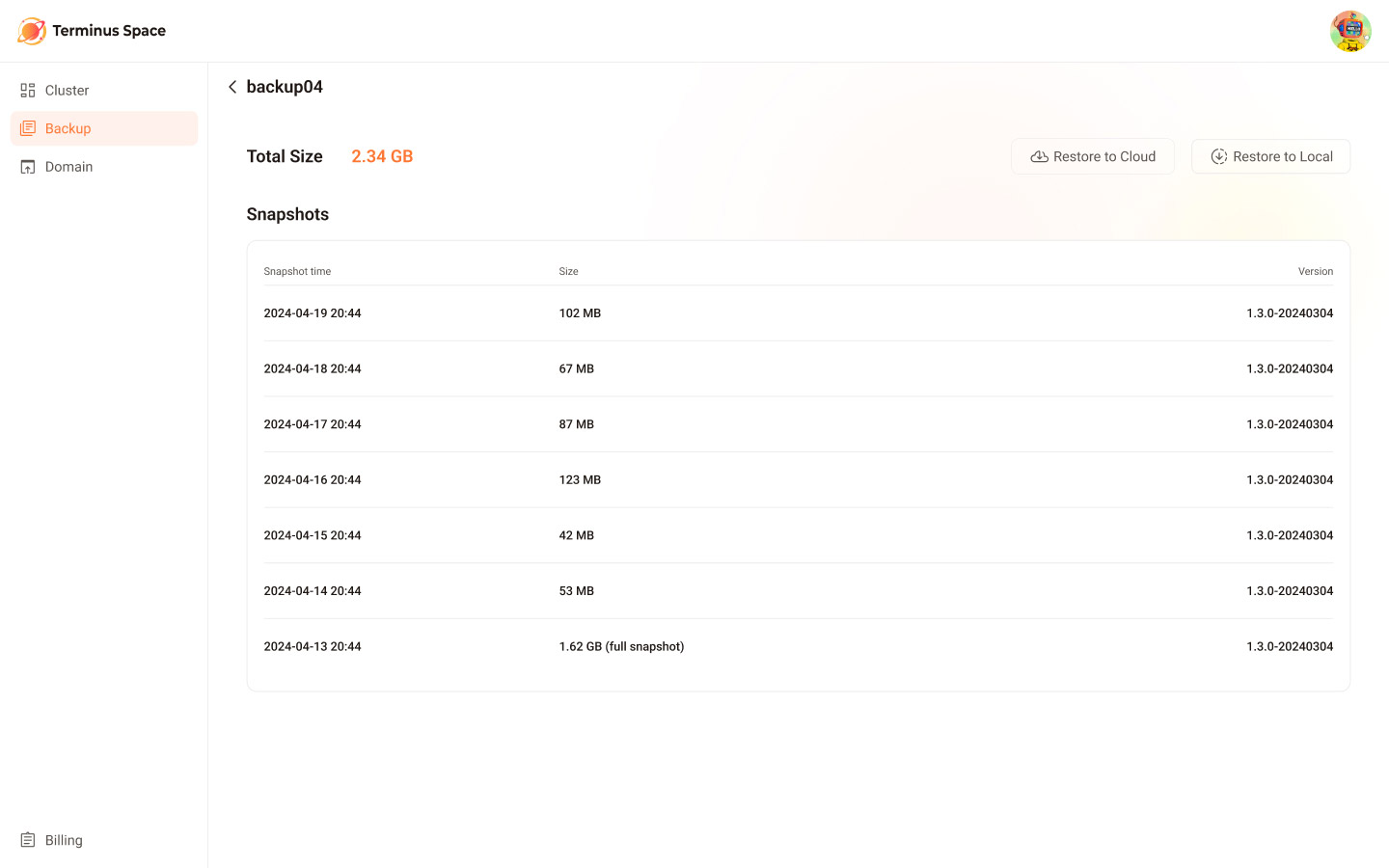
Restoring a snapshot to the cloud is similar to setting up a new cloud-based Olares.
Set up relevant details.
a. Select the cloud service provider and their data center location.
b. Choose the hardware configuration for the instance.
c. Confirm the snapshot details and enter the backup password.
Understand charges for storage and bandwidth.
Each instance includes a certain amount of free traffic. Any usage exceeding the quota will incur charges. For more information, see Billing.Confirm the order and complete the payment. After that, the Olares begins to install.
NOTE
During the installation process, Olares will verify the backup password. If it is incorrect, you'll be asked to re-enter the correct one. If you forget the backup password, the restoration process won't be able to continue. In this case, please return your instance and try restoring again.
NOTE
To avoid conflicts or other unforeseeable problem, you must return the existing Olares that uses the same name before restoring to a cloud-based Olares.