Deploy and develop apps in Olares
Studio provides a real Olares environment for building, porting, and testing apps when cloud features and the sandbox system are hard to simulate locally. With Studio you can:
- Create a new Olares app in an online development container.
- Port an existing app, adjust its configurations, and test the installation flow.
- Package your app into a chart and download it when your app is ready.
Access Studio
You must manually install Studio:
Open Market, and search for "Studio".
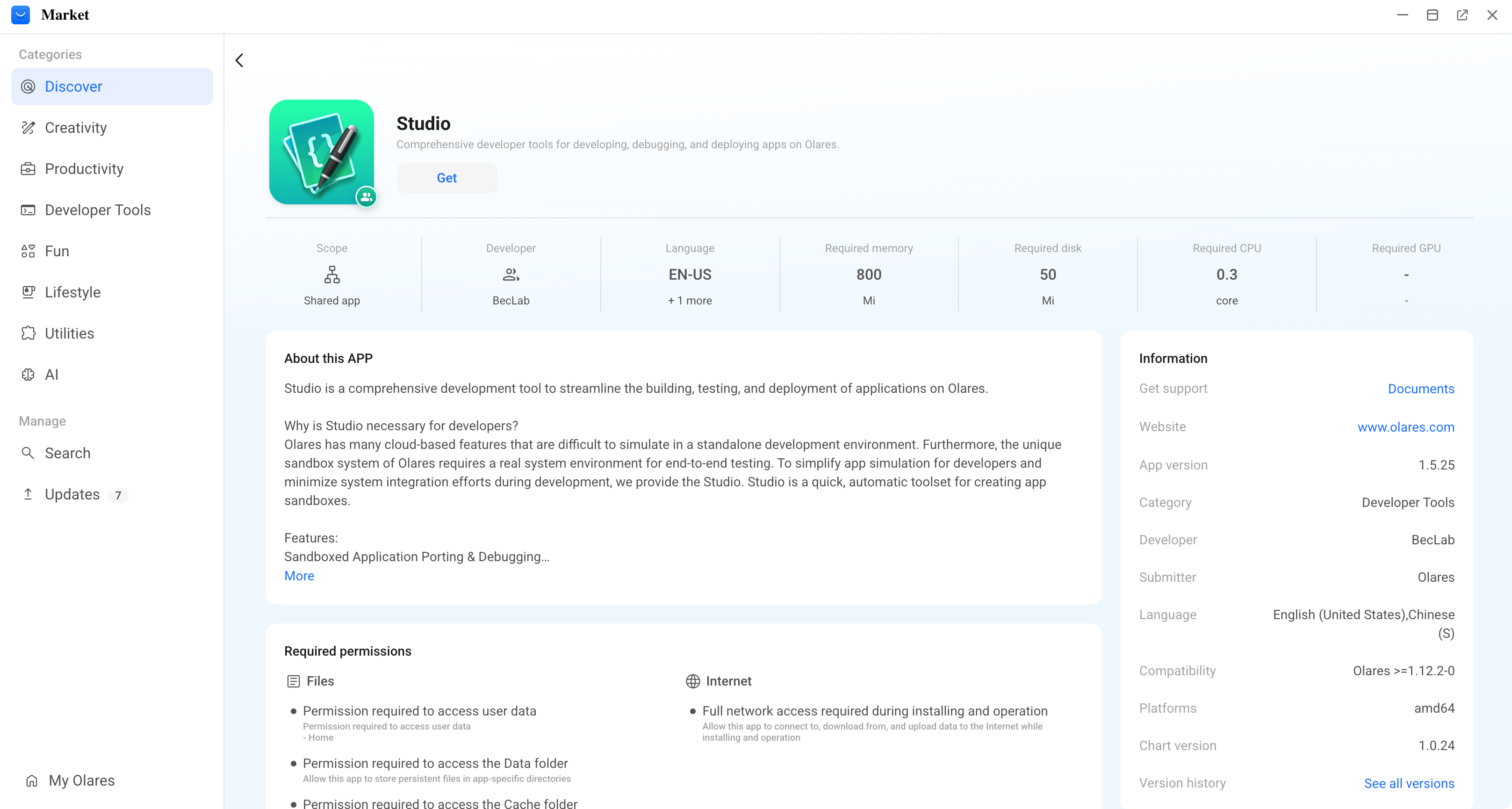
Click Get, then Install, and wait for installation to complete.
After installation, launch Studio from Market or from Launchpad.
Understand the Studio UI
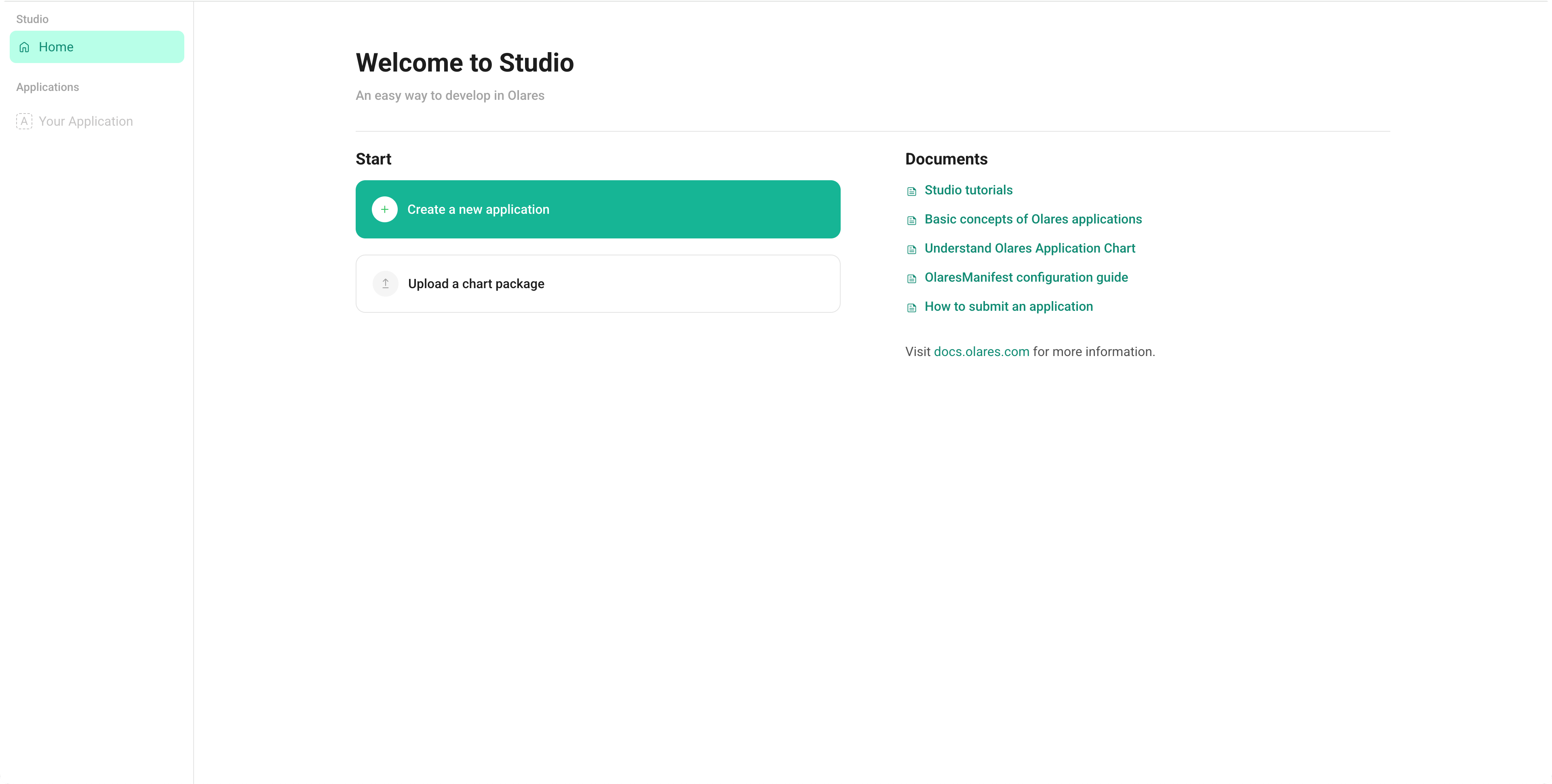
The sidebar and Home page organize your main tasks in Studio:
Home: A welcome page with shortcuts to common actions and documentation.
Applications: A list of apps you have created and deployed with Studio.
Start: You can start deploying or developing apps, or uploading an app from a local chart file.