Set up Open WebUI with Ollama
This guide shows how to use Open WebUI with Ollama on Olares. Ollama lets you pull and switch between different models from the Ollama Registry, offering more flexibility than individual model apps.
GPU time slicing limitation
When using Ollama to manage multiple models, GPU time slicing is not supported between models.
Learning objectives
By the end of this guide, you will be able to:
- Use Open WebUI with the Ollama backend on Olares.
- Pull and manage models from Ollama.
Prerequisites
- An Olares device with sufficient disk space and memory
- Admin privileges to install shared apps from Market
Install Ollama and Open WebUI
Open Market and search for "Ollama".
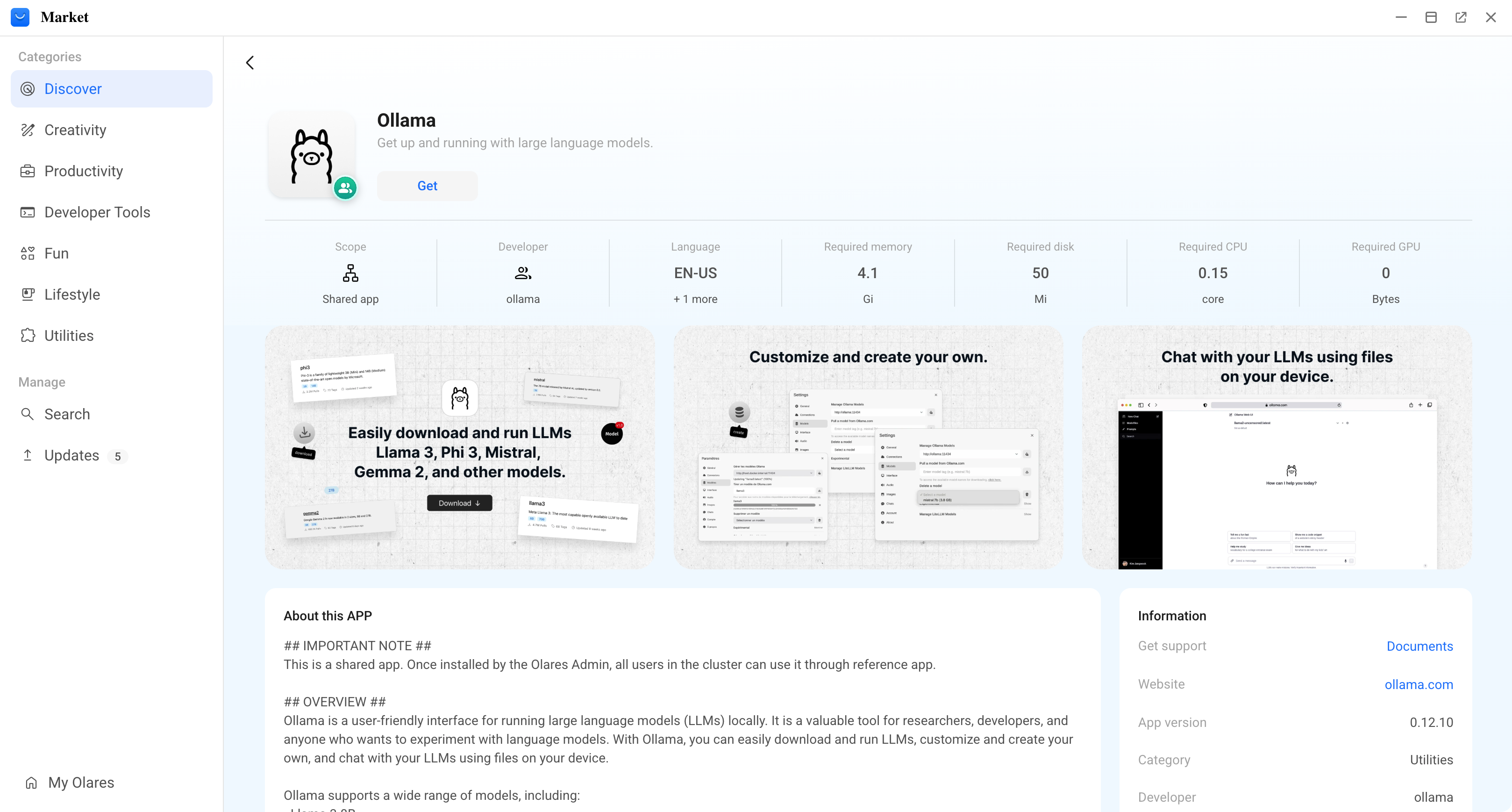
Click Get, then click Install.
Search for "Open WebUI" and install it.
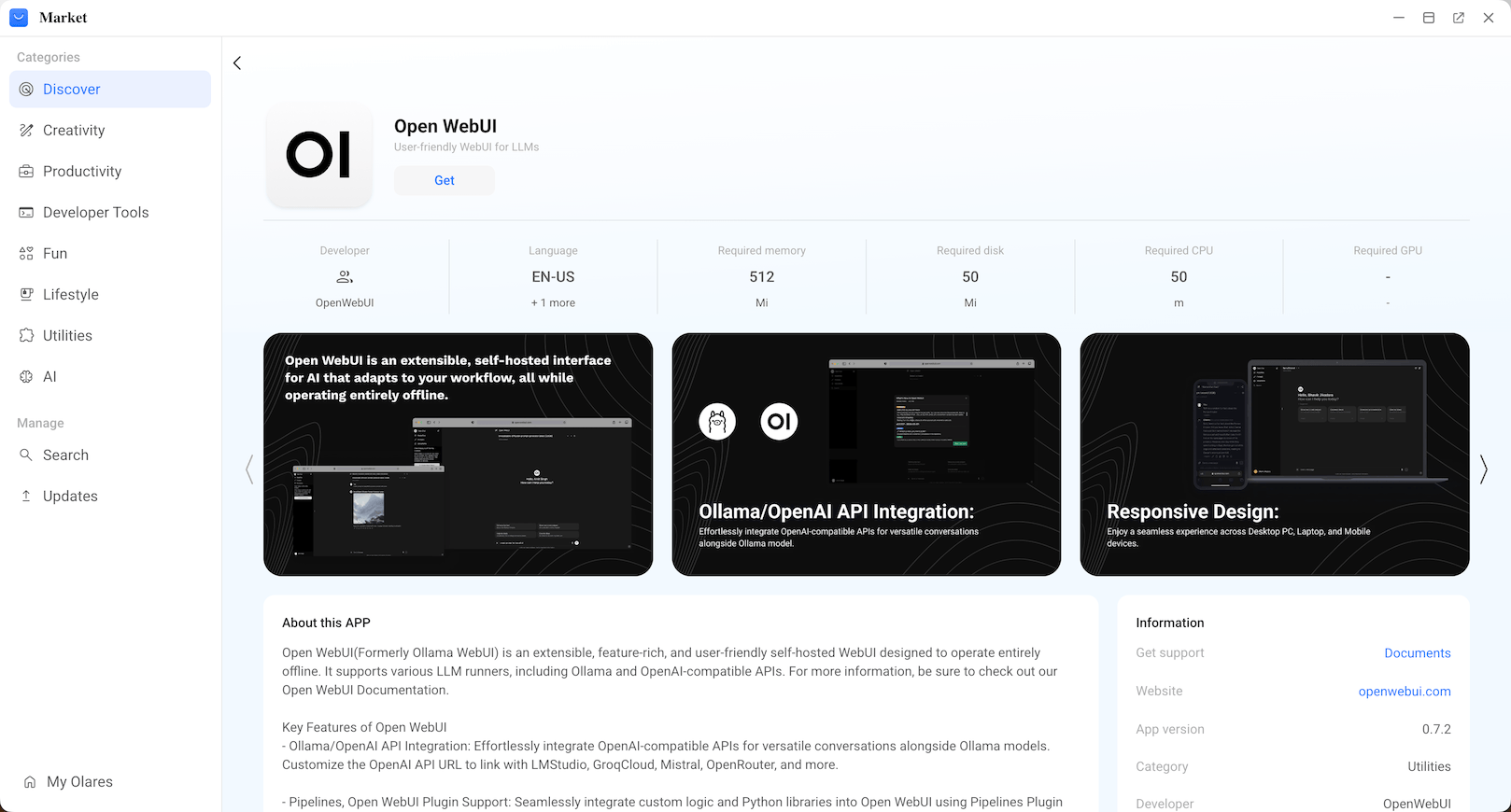
Wait for both installations to complete.
Create an admin account
Open the Open WebUI app.
On the welcome page, click Get started.
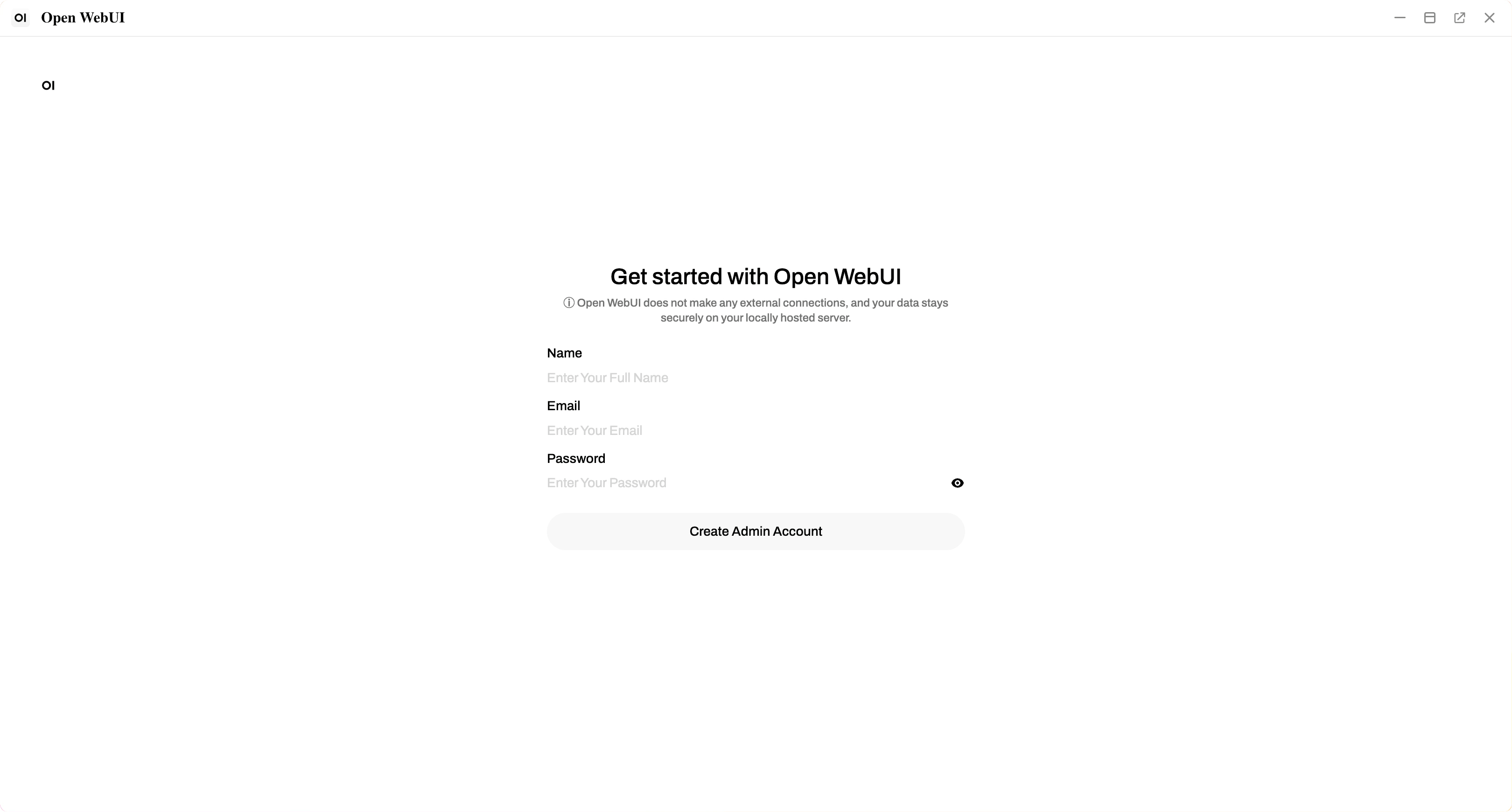
Enter your name, email, and password to create the account.
First account is admin
The first account created has full administrator privileges for managing models and settings.
Local account only
This account is stored locally on your Olares device and does not connect to external services.
Download a model
Browse models first
Visit Ollama Library to browse available models and get the exact model name before downloading. Model names must match exactly to pull successfully.
Download time
Models range from 2 GB to 20+ GB. Download time depends on your network speed.
Start chatting
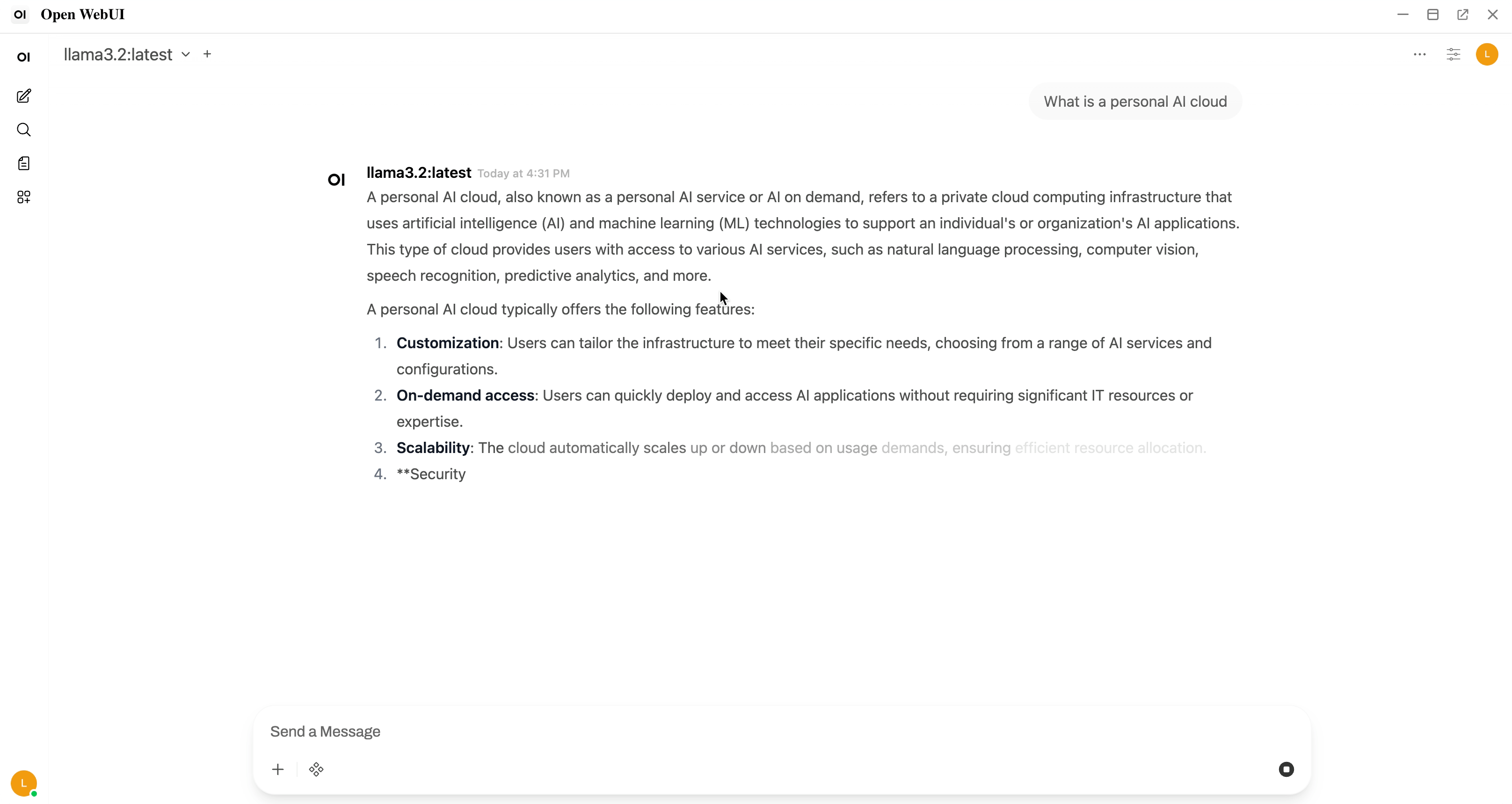
- On the main chat page, confirm that your model is selected in the dropdown.
- Enter your prompt in the text box and press Enter to start chatting.
Troubleshooting
Download progress disappears
When downloading a model via the dropdown menu, the progress bar might sometimes disappear before completion.
To resume the download:
- Click the model selector again.
- Enter the exact same model name.
- Select Pull from Ollama.com. The download will resume from where it left off.