Set up a privacy-focused AI search engine with Vane
Vane (previously Perplexica) is an open-source AI-powered answering engine. It combines web search with local or cloud LLMs to deliver cited, conversational answers while keeping your queries private.
This guide uses Ollama as the model provider and SearXNG as the search backend.
Prerequisites
Before you begin, make sure:
- Ollama is installed and running in your Olares environment.
- At least one chat model is installed in Ollama. An embedding model is optional, since Vane ships with built-in ones.
Install SearXNG
SearXNG is a privacy-focused meta-search engine that aggregates results from multiple search engines without tracking users. Vane uses it to fetch clean, unbiased results for the AI model to process.
Open Market and search for "SearXNG".
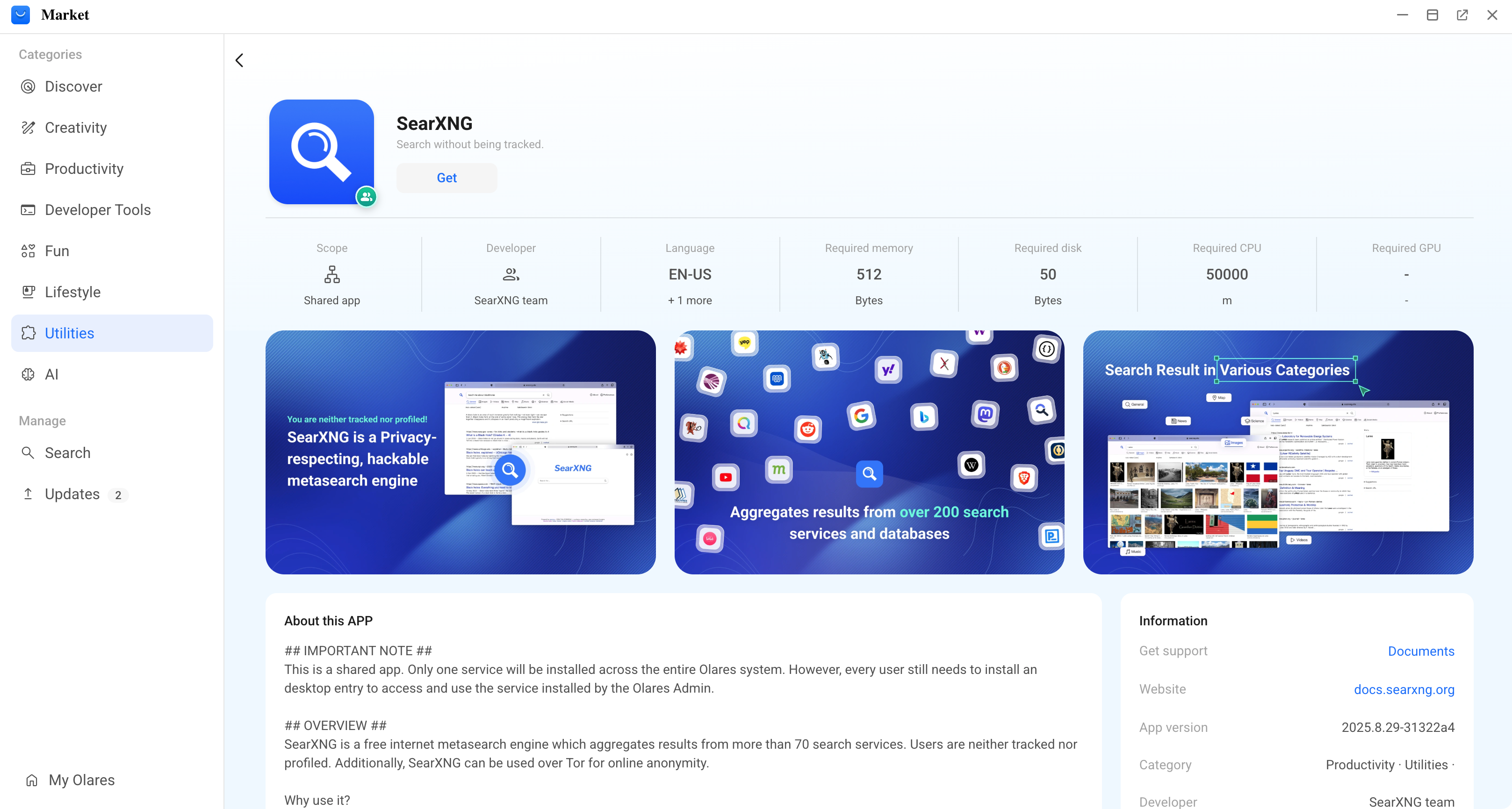
Click Get, then Install, and wait for installation to complete.
Install Vane
Open Market and search for "Vane".
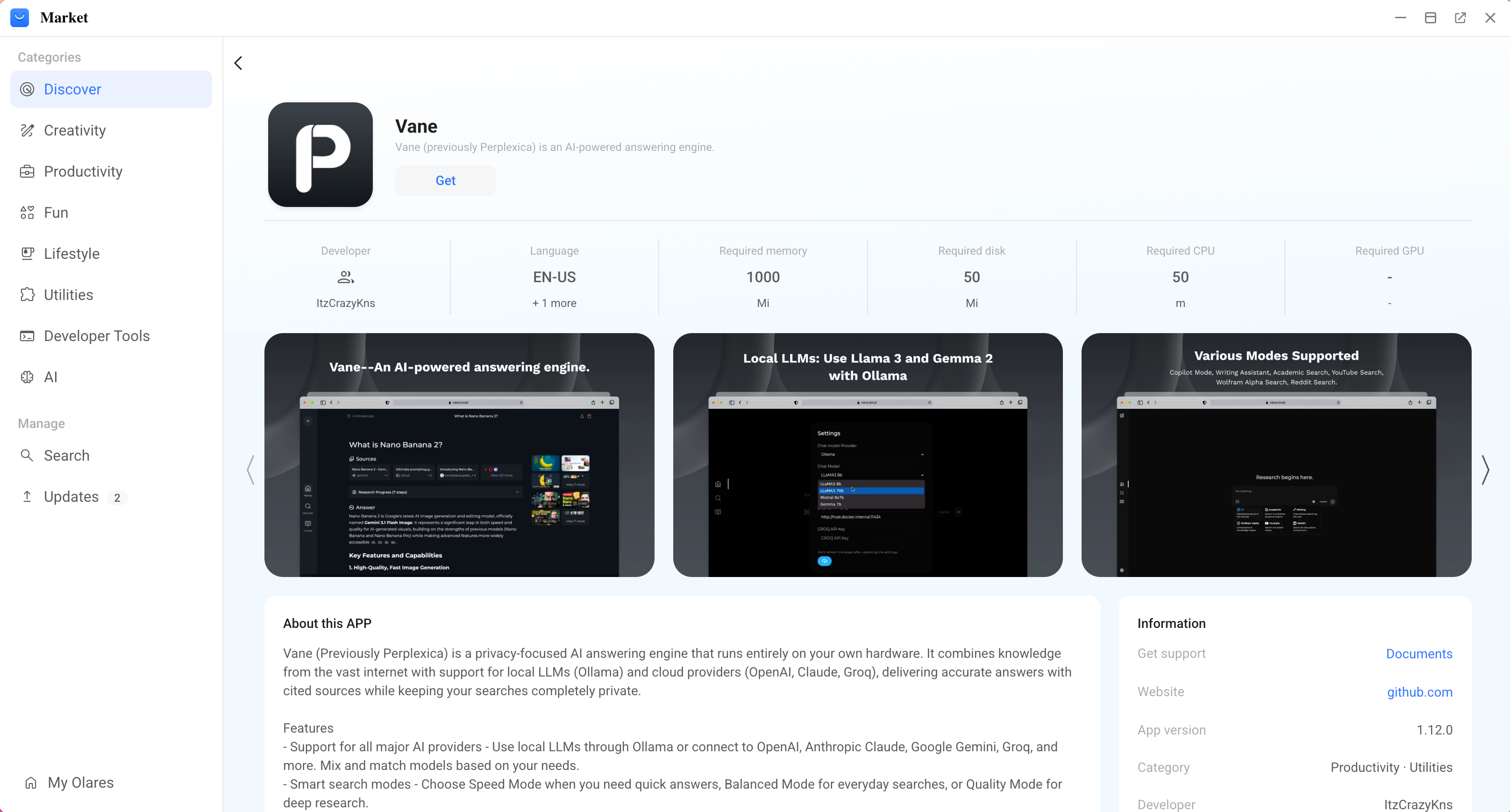
Click Get, then Install, and wait for installation to complete.
Configure Vane
Launch Vane. A setup wizard opens on first launch, with Ollama and its installed models detected automatically.
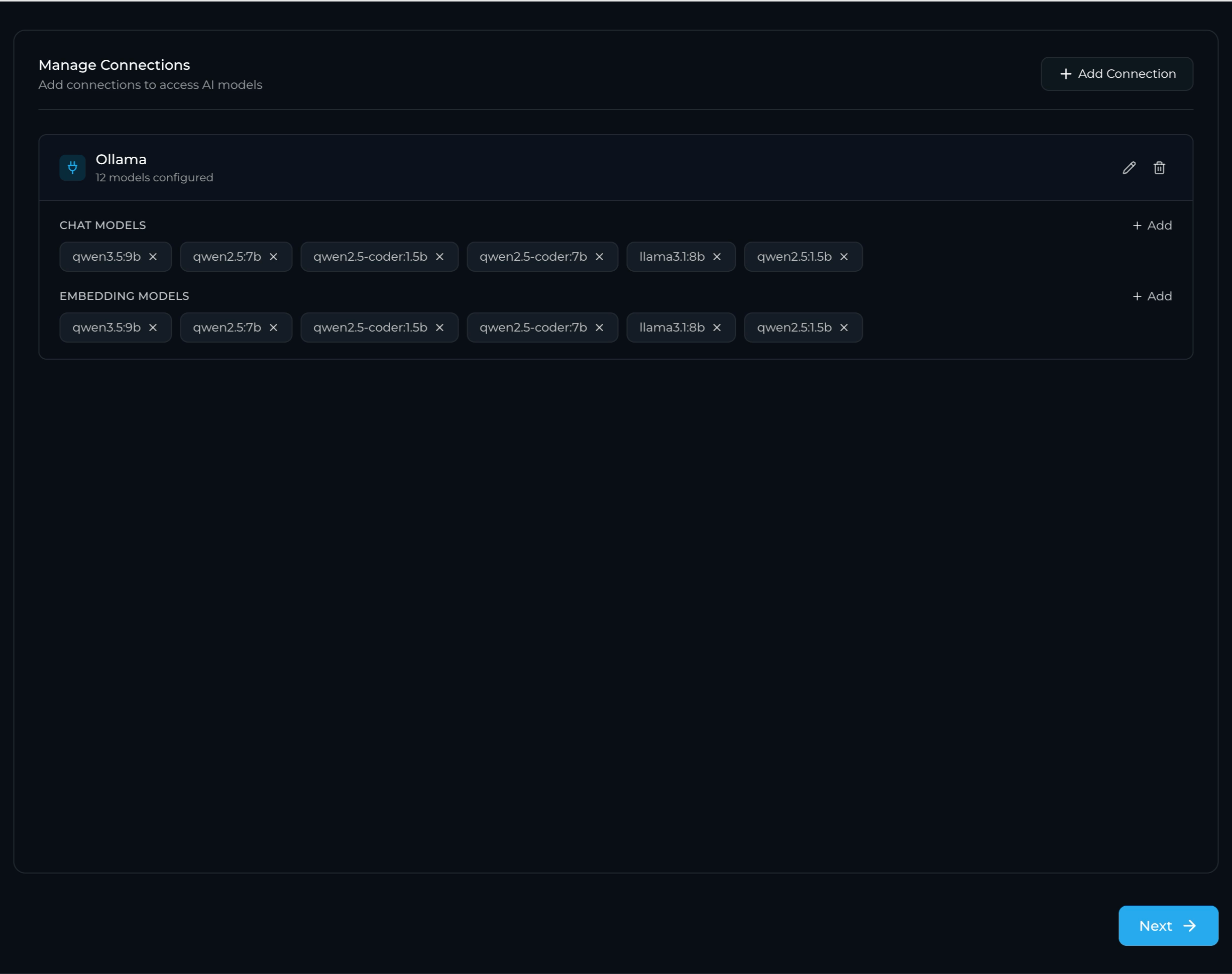
Click Next.
Select a chat model and an embedding model, then click Finish.
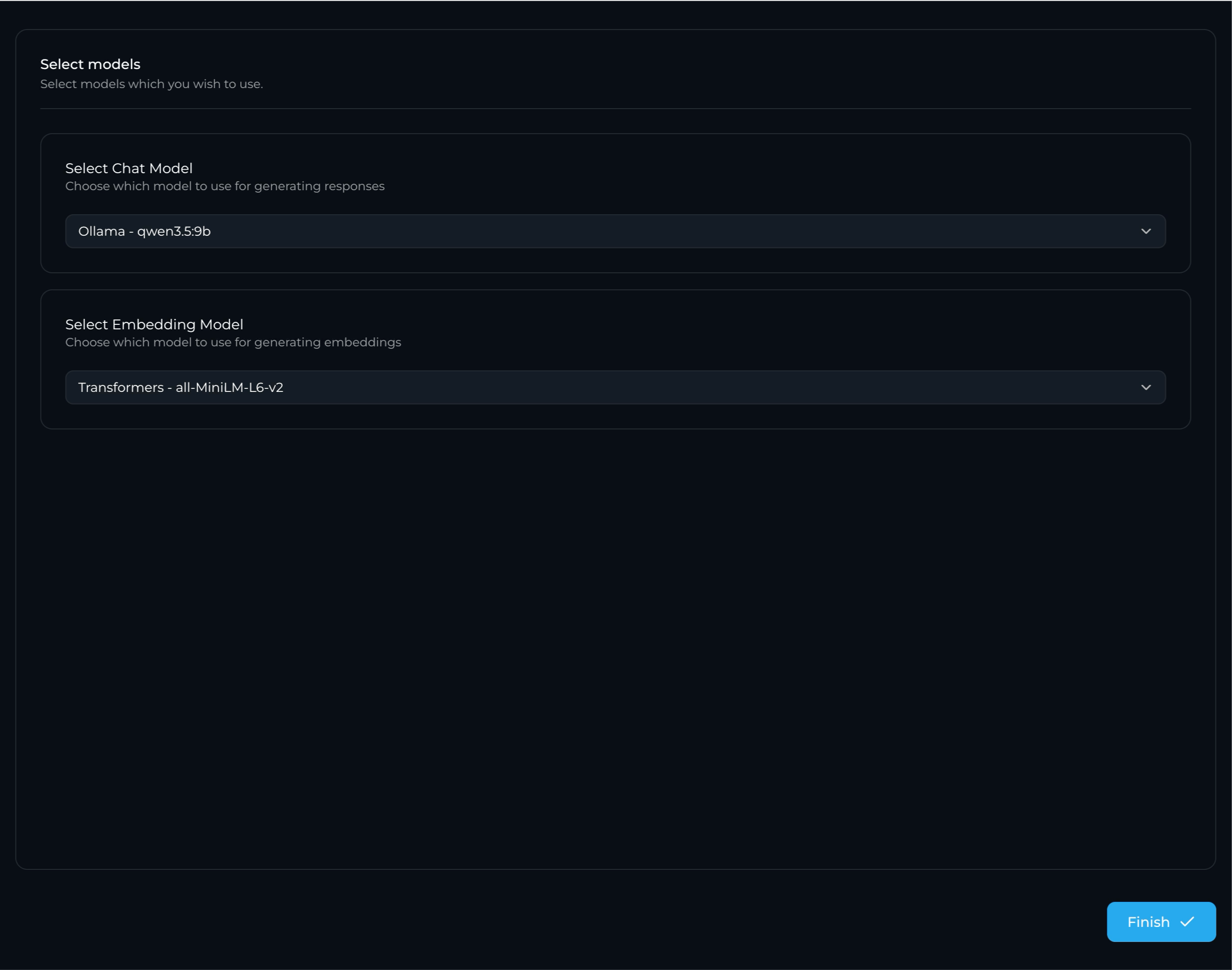
Embedding model options
If you don't have an embedding model in Ollama, you can pick one of Vane's built-in embedding models instead.
You're taken to the main chat page. To change models or connections later, click settings in the bottom-left corner to open the Settings page.
Start asking questions
Try a search to test your new private search environment. 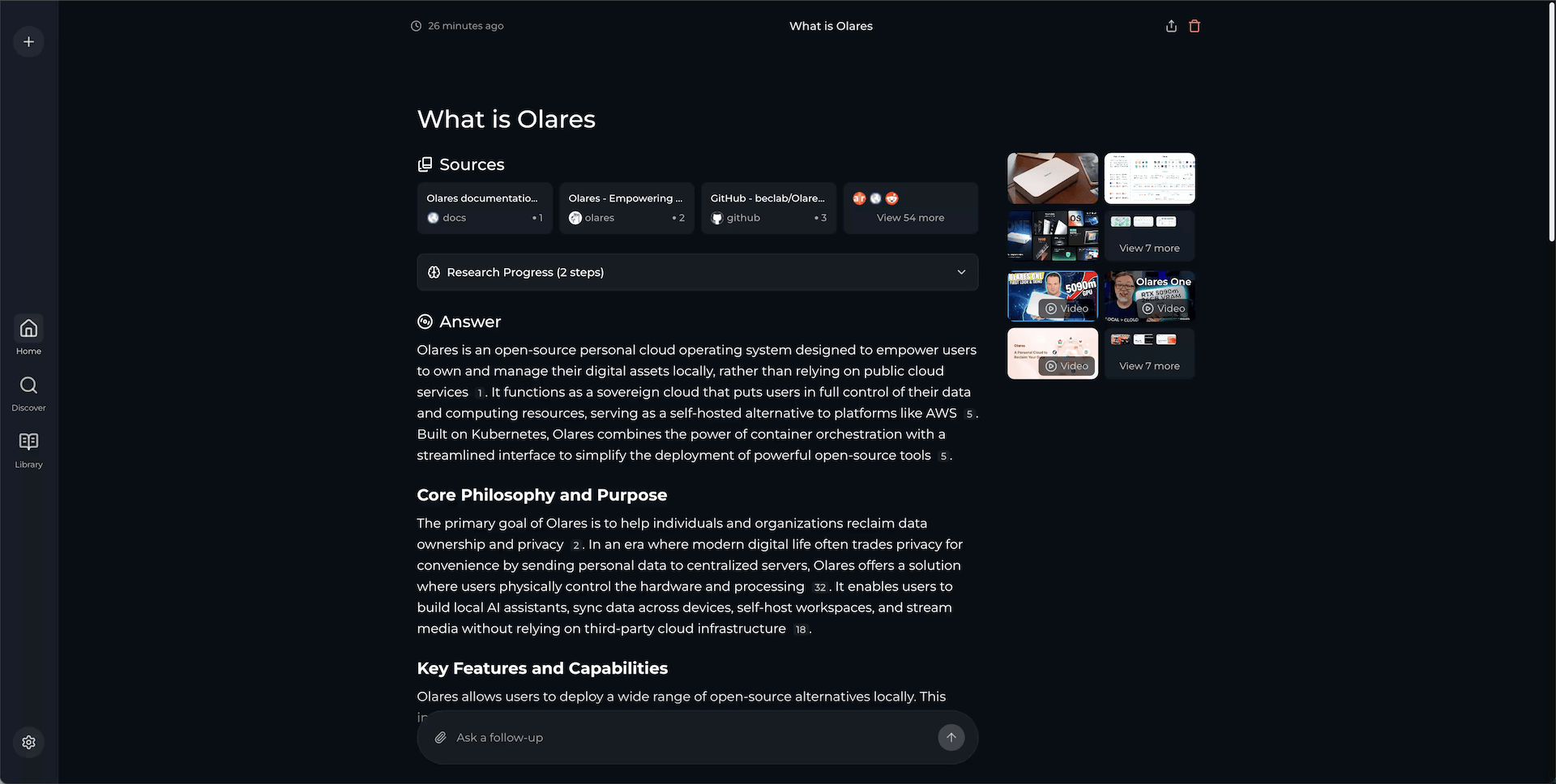
Learn more
- Ollama: Run local LLMs on Olares as Vane's model backend.
- Vane on GitHub: Upstream project README, architecture notes, and community Discord.