Chat with local LLMs using Open WebUI 20 min
Open WebUI provides an intuitive interface for managing Large Language Models (LLMs) that supports both Ollama and OpenAI-compatible APIs.
This guide walks you through installing Open WebUI and Qwen3.5 27B on Olares One, connecting the model, and starting your first chat. By the end, you'll have a private, local chatbot ready for everyday use.
Learning objectives
- Use Open WebUI on Olares One to run local LLMs.
- Make the Qwen3.5 27B Q4_K_M model available to other apps.
Prerequisites
Hardware
- Olares One connected to a stable network.
- At least 20 GB free disk space to download the model.
- Sufficient GPU VRAM and system memory to run LLMs.
User permissions
- Admin privileges to install shared apps from the Market and manage GPU resources.
Step 1: Install Open WebUI
Open Market, and search for "Open WebUI".
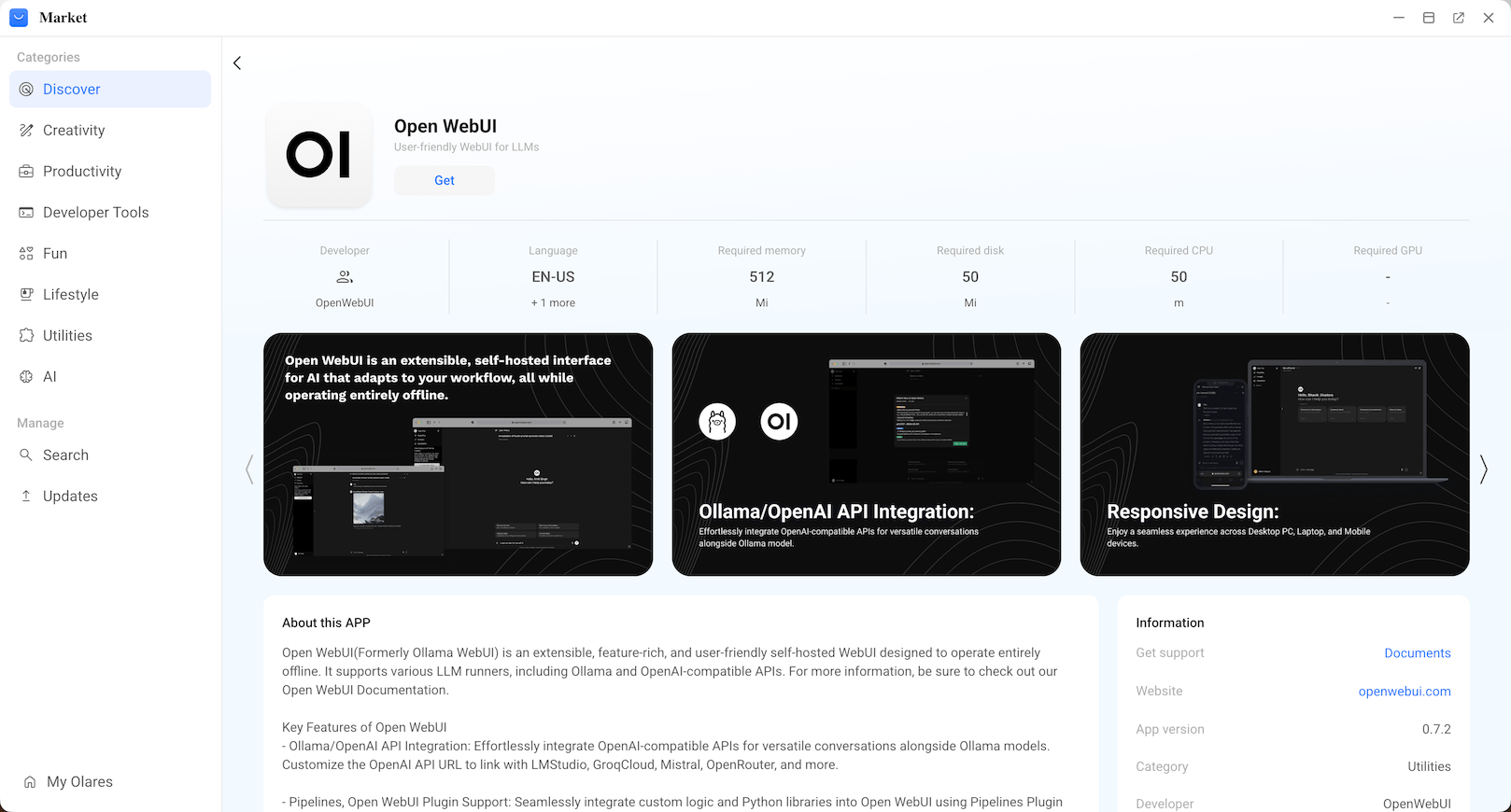
Click Get, then Install, and wait for installation to complete.
Step 2: Install Qwen3.5 27B and get the shared endpoint
In Market, search for and install "Qwen3.5 27B Q4_K_M (Ollama)". Wait for the installation to complete.
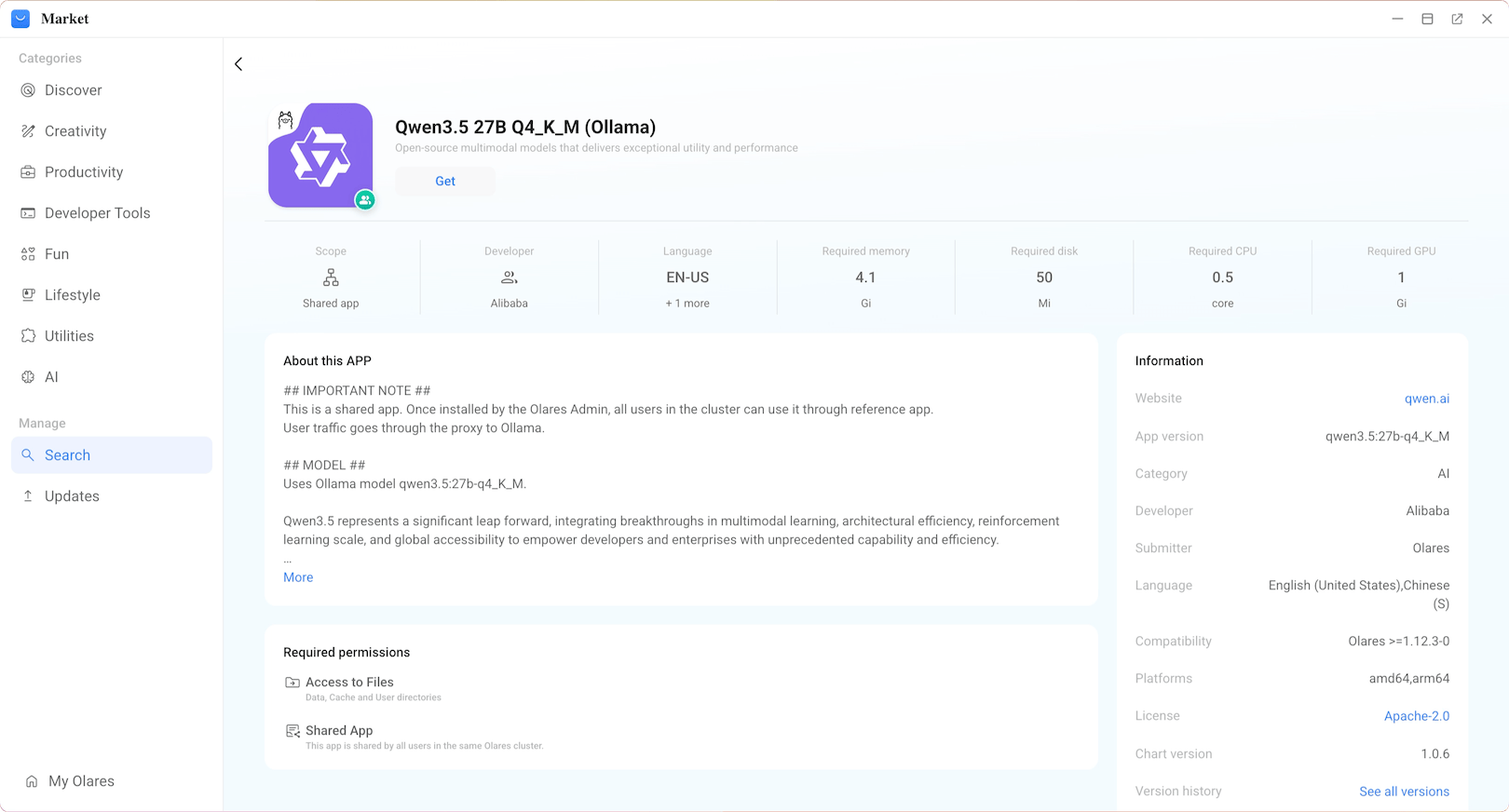
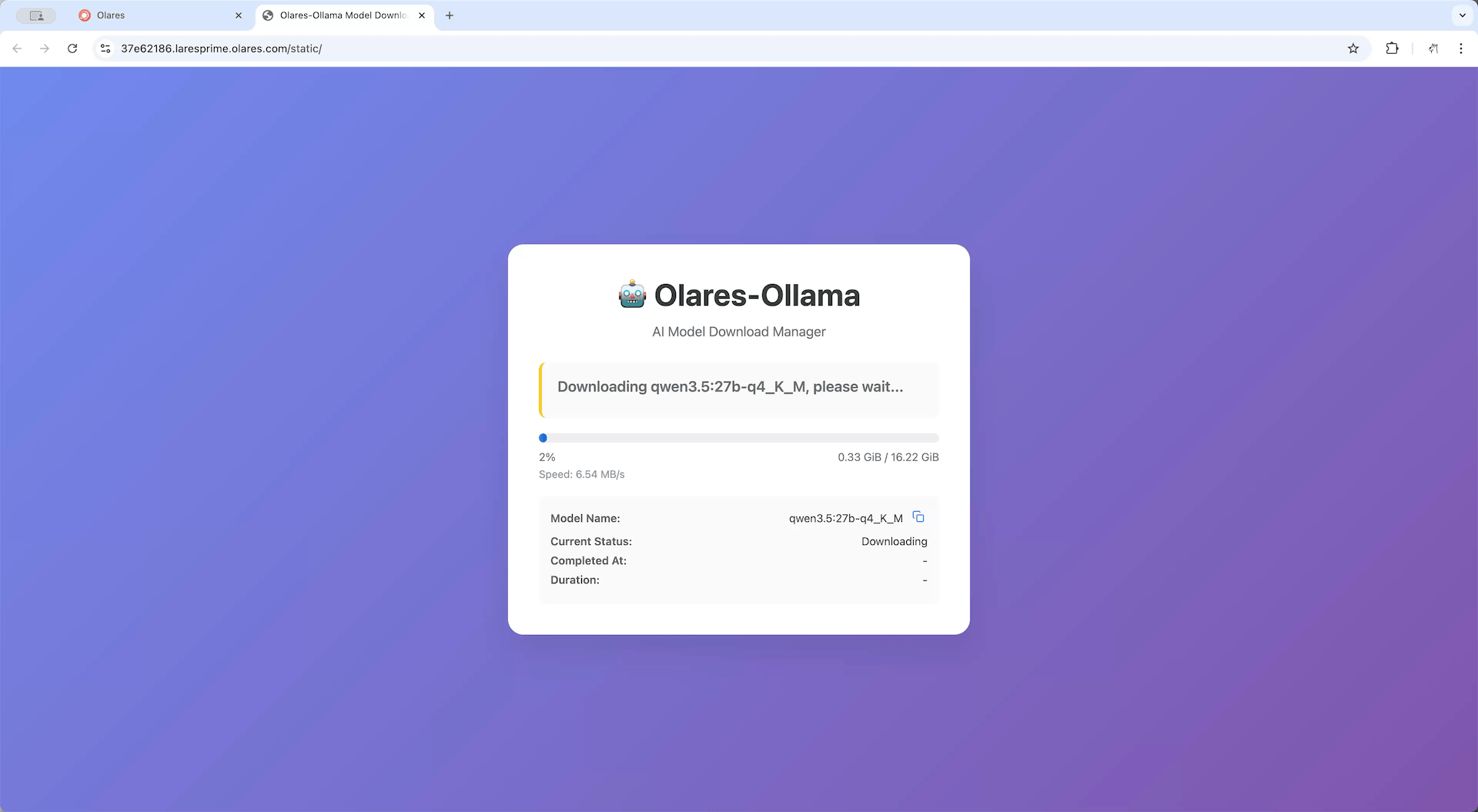
Once installed, click Open to view the model downloading progress.
TIP
The model file is approximately 17 GB. Download time varies depending on your network speed.
Once you see the following screen, the model is ready to use.
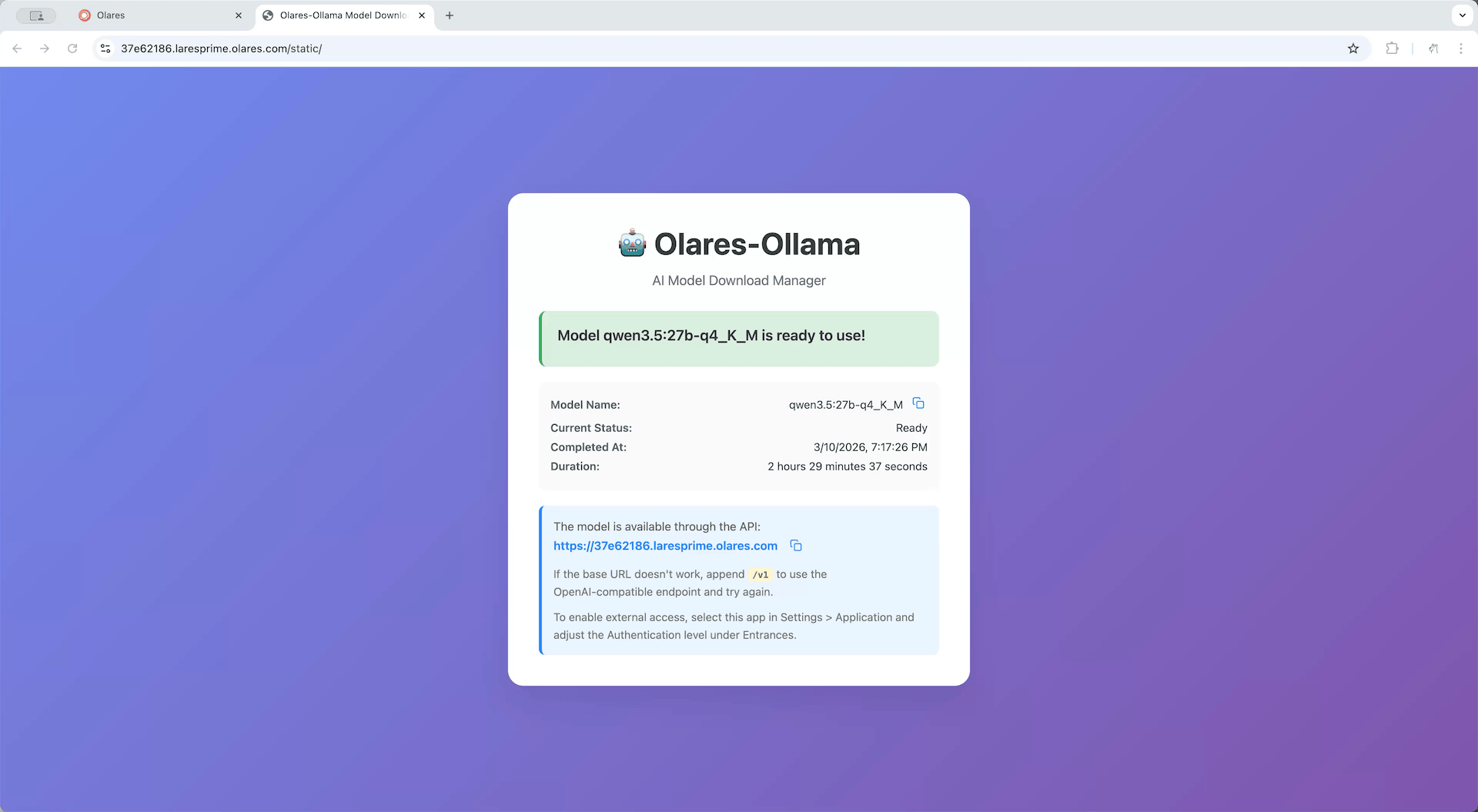
To let Open WebUI access this model, you need to get its shared endpoint URL.
a. Open Olares Settings, then navigate to Application > Qwen3.5 27B Q4_K_M (Ollama).
b. In Shared entrances, select Qwen3.5 27B Q4_K_M to view the endpoint URL.
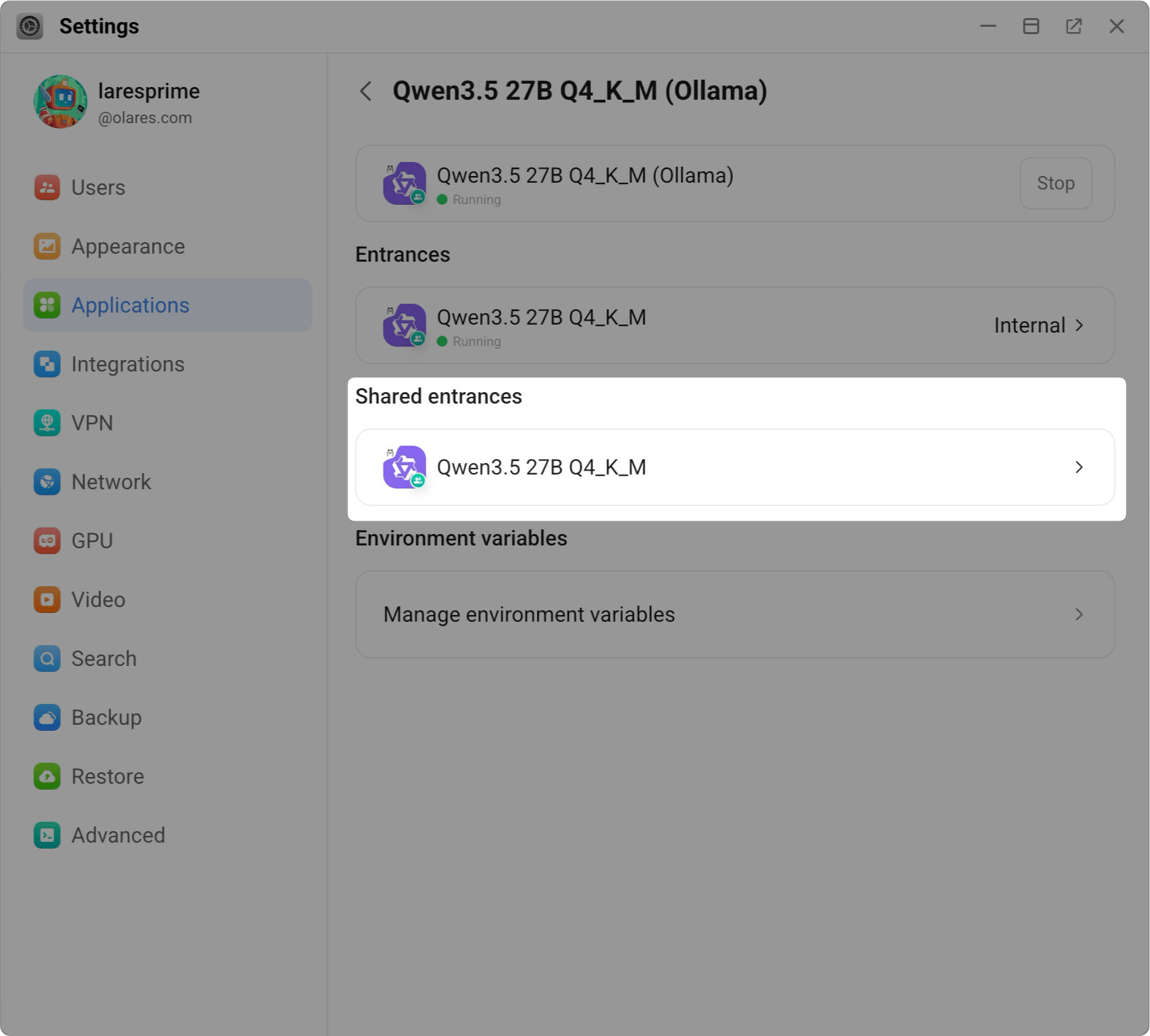
c. Copy the shared endpoint. For example:
plainhttp://94a553e00.shared.olares.comYou will need this URL in a later step.
Why use the shared endpoint URL?
The URL shown on the model app page is user-specific. If your device and Olares One are not on the same local network, frontend calls may trigger Olares sign-in and you may encounter cross-origin restrictions (CORS). To avoid these issues, use the shared endpoint URL.
Step 3: Create an Open WebUI admin account
- Open the Open WebUI app.
- On the welcome page, click Get started.
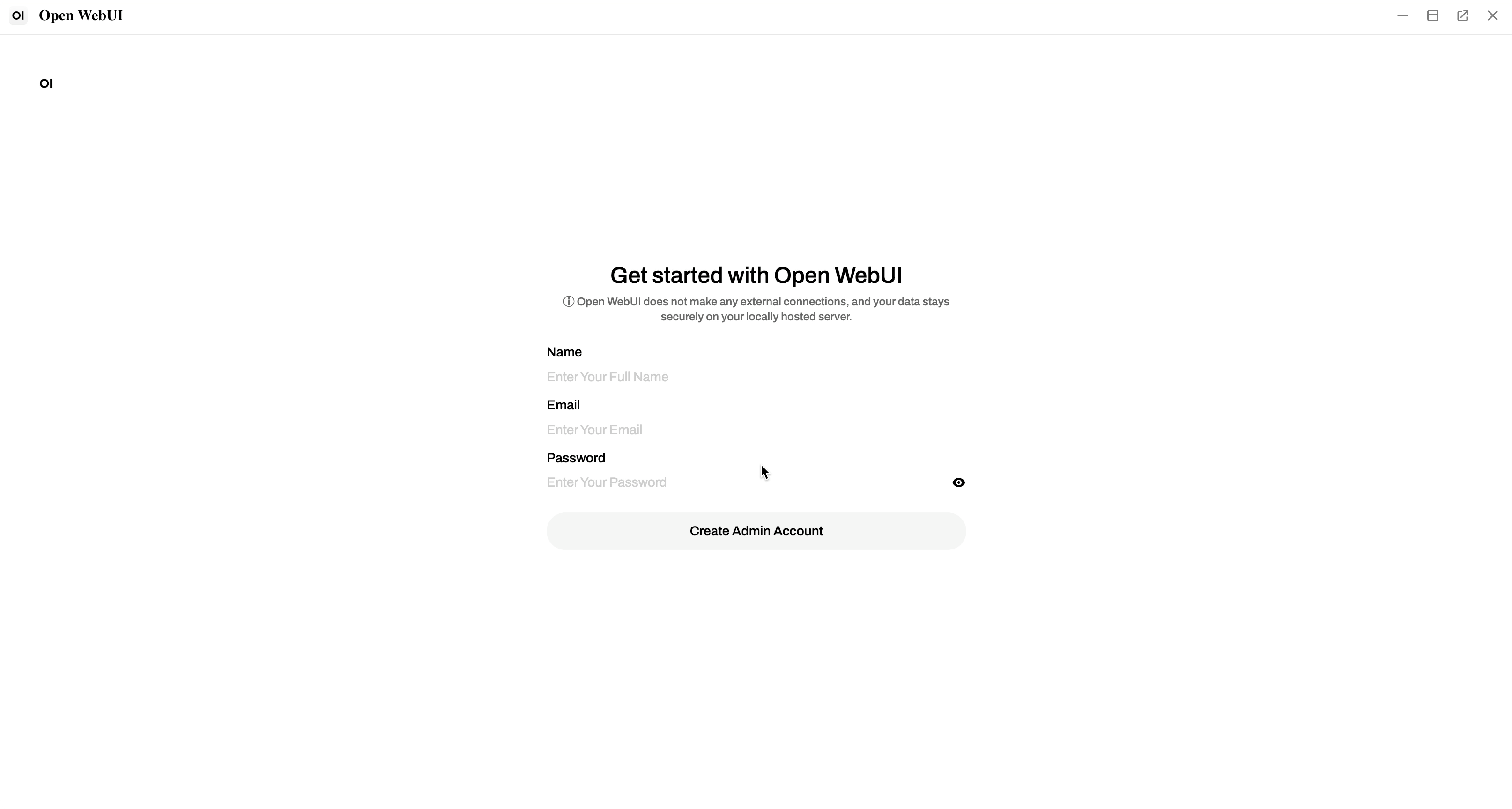
- Enter your name, email, and password to create the account.
INFO
All your data, including login details, is stored locally on your Olares One.
First account is admin
The first account created on Open WebUI has administrator privileges, giving you full control over user management and system settings.
Step 4: Configure connections
- Click your profile icon in the bottom-left corner and select Admin Panel.
- Go to Settings > Connections.
INFO
By default, the local Ollama API is pre-configured and visible under Manage Ollama API connections.
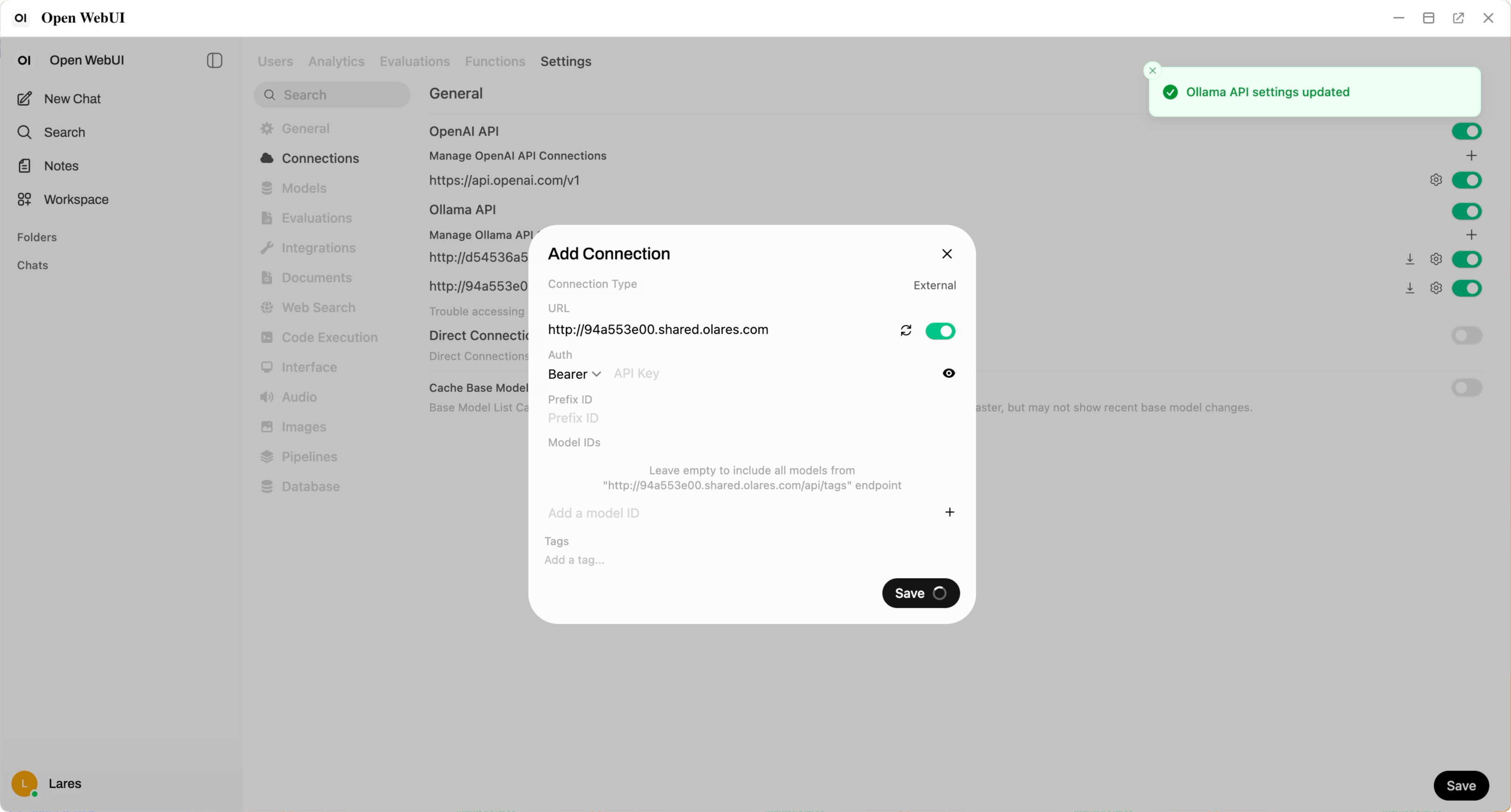
- Click add to open the Add Connection dialog.
- In the URL field, paste the shared endpoint URL you copied in Step 2, then click Save. Open WebUI automatically verifies the connection. When you see "Ollama API settings updated", the connection is established.
Step 5: Chat with your local LLM
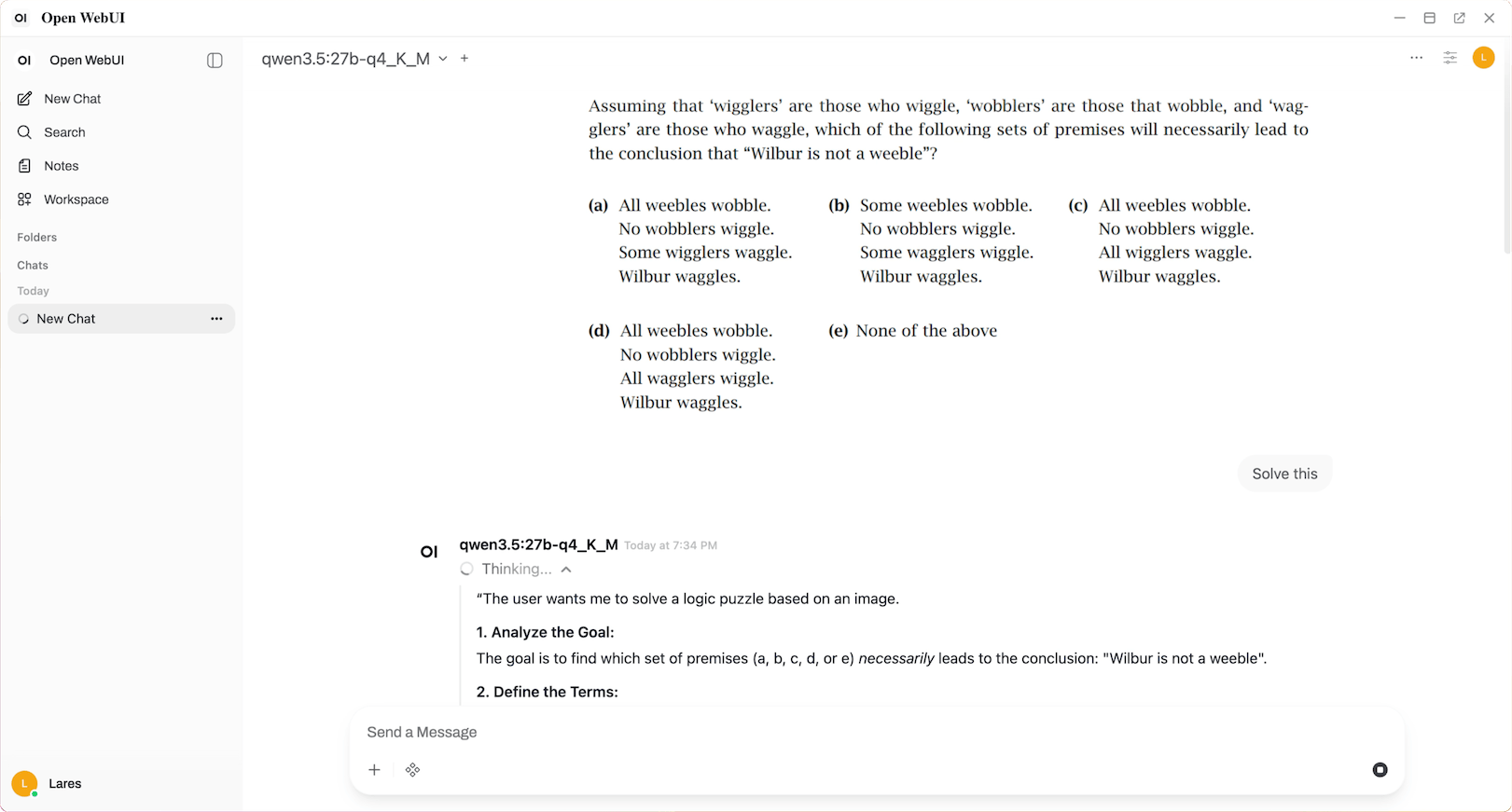
On the main chat page, confirm that qwen3.5:27b-q4_K_M is selected in the model dropdown.
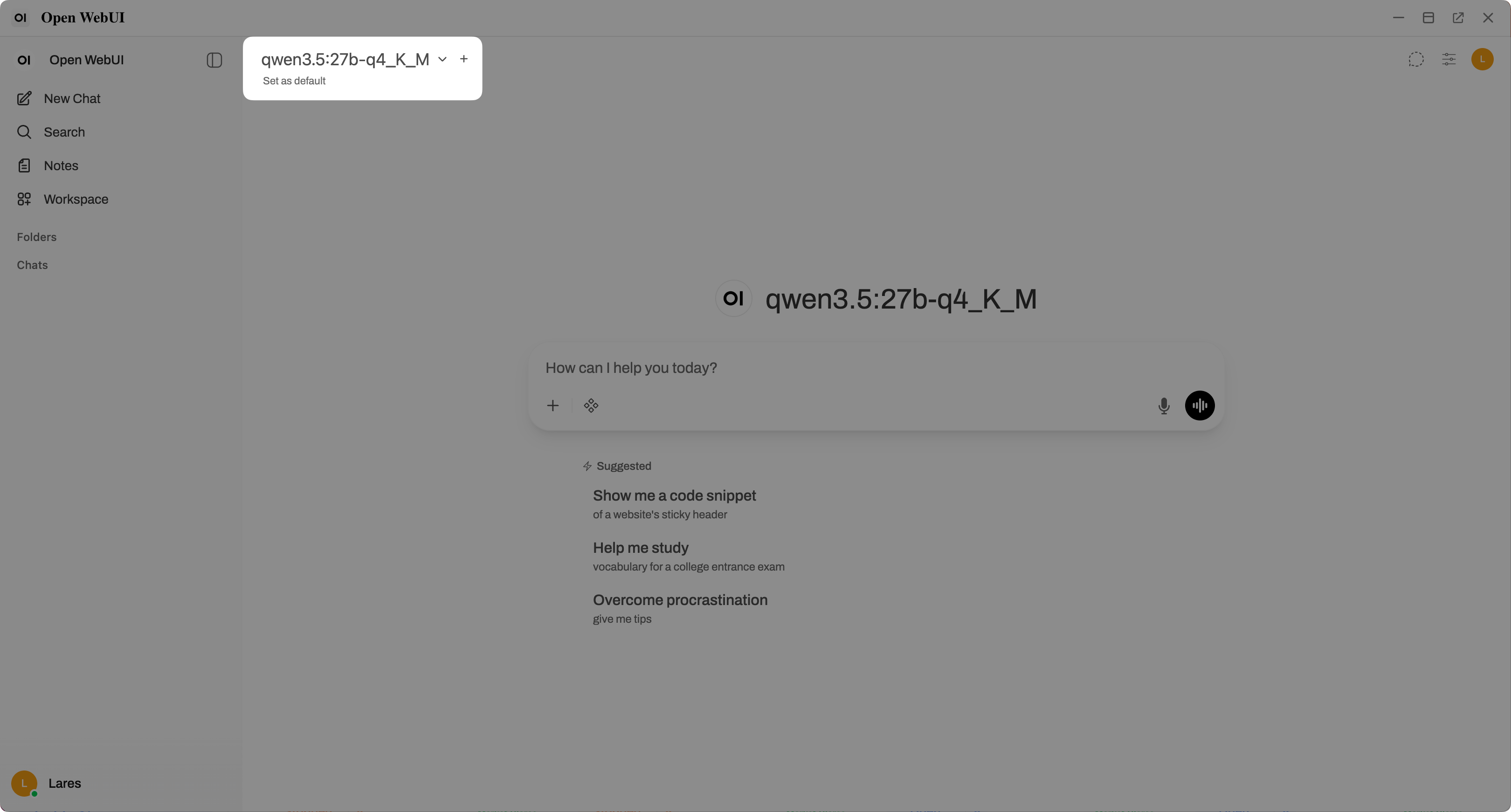
Enter your prompt in the text box and press Enter to start chatting.
Troubleshooting
Qwen3.5 27B is stuck at "Waiting for Ollama" or "Needs attention"
If the Qwen3.5 27B app stays in one of these states for more than a few minutes, first check your GPU mode in Settings > GPU:
- If you are in Memory slicing mode, make sure you have bound the Qwen3.5 27B app and allocated it sufficient VRAM.
- If you are in App exclusive mode, make sure the app with full GPU access is Qwen3.5 27B.